DENT FAMILY MINIATURE HORSE RANCH
VERO BEACH, FLORIDA
PH: 772-562-9458
WELCOME TO OUR 2010 2 YEAR OLDS FOR SALE PAGE 18
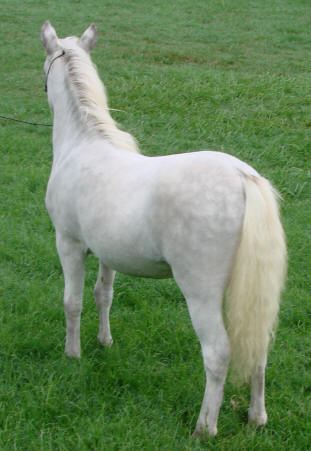
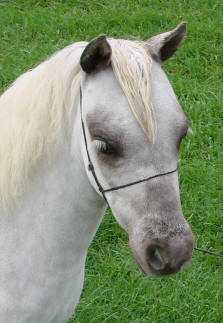
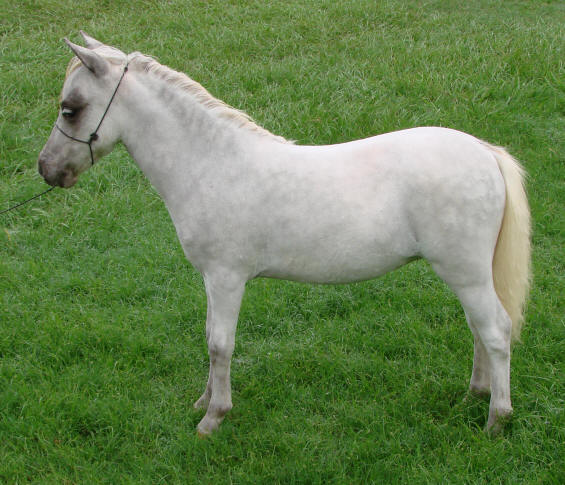
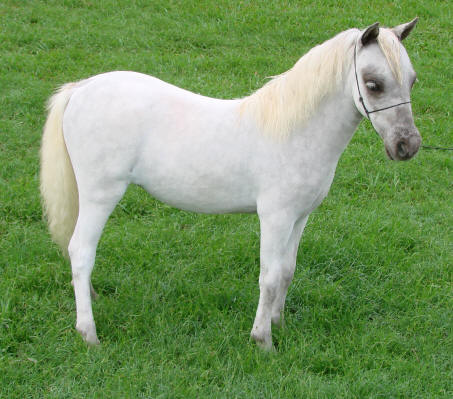
Shown above is Dent Friskey Kid Silver Bell, a filly born on May 24, 2008 at 1:20 AM and she is 26.00 inches tall ( measured 10/31/2008 ). Her sire is Dent Friskey Kid and her dam is Dent Miss Annette.
"SOLD"